Before we start programming in ROBOTC, we need to first download and install the client. This can be done by navigating to ROBOTC's website (https://www.robotc.net) and selecting the 'Downloads' tab.
1) From the ROBOTC website, select the individual robotics platform you wish to program on. When you get to the correct platform page, click on the 'Download ROBOTC for VEX Robotics 4.X' to start the download process:
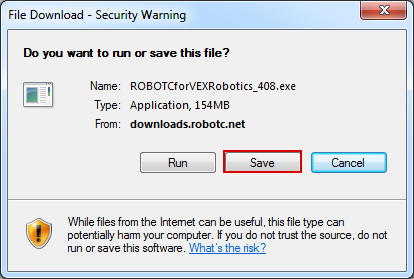
2) At this point click the 'Save' button to start downloading ROBOTC.
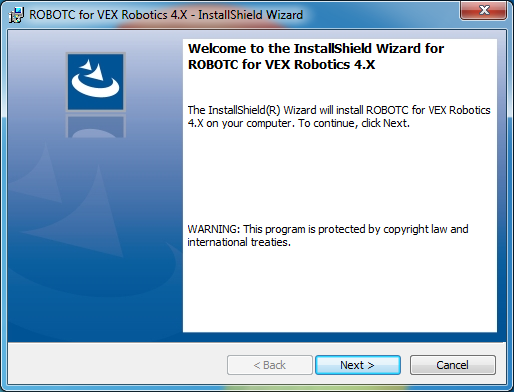
3) Once the program is done downloading, navigate to the Downloads folder on your computer, and start the ROBOTC installer.
4) During the installation process, you will be asked to choose whether you would like a Complete Installation, or a Custom Installation.
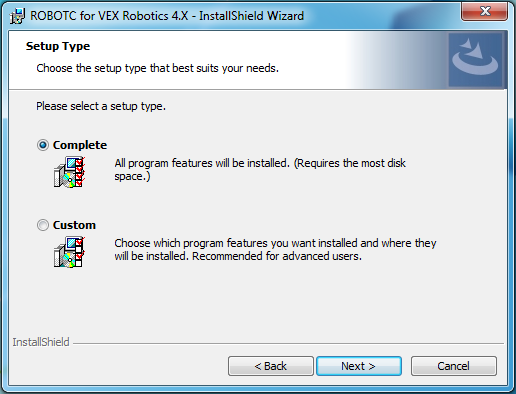
5) If the Custom option is selected, you will be asked to configure the installation to your choosing by using the dropdown menus for each software category.
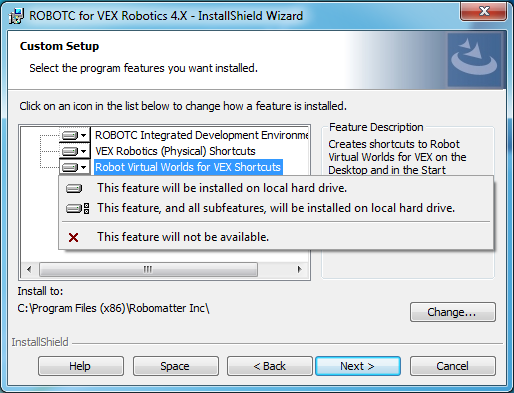
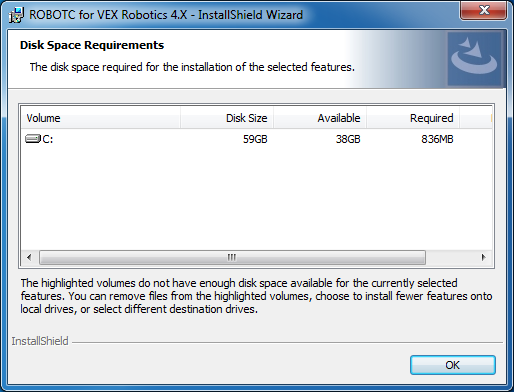
6) By clicking on the Space button, you can view how much disk space your current configuration will require.
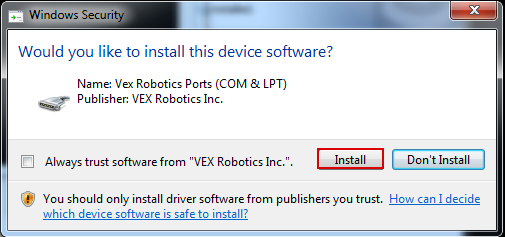
7) Depending on which platform you are installing, ROBOTC may also install additional drivers unique to each platform.